Member web area update
We appreciate if members may take the time to update and make sure that company details are correct as well as users and roles. To be able to serve You members the best possbile way and get the most out of Your member fees invested, we are dependent of a maintained database. Thank You for your collaboration!
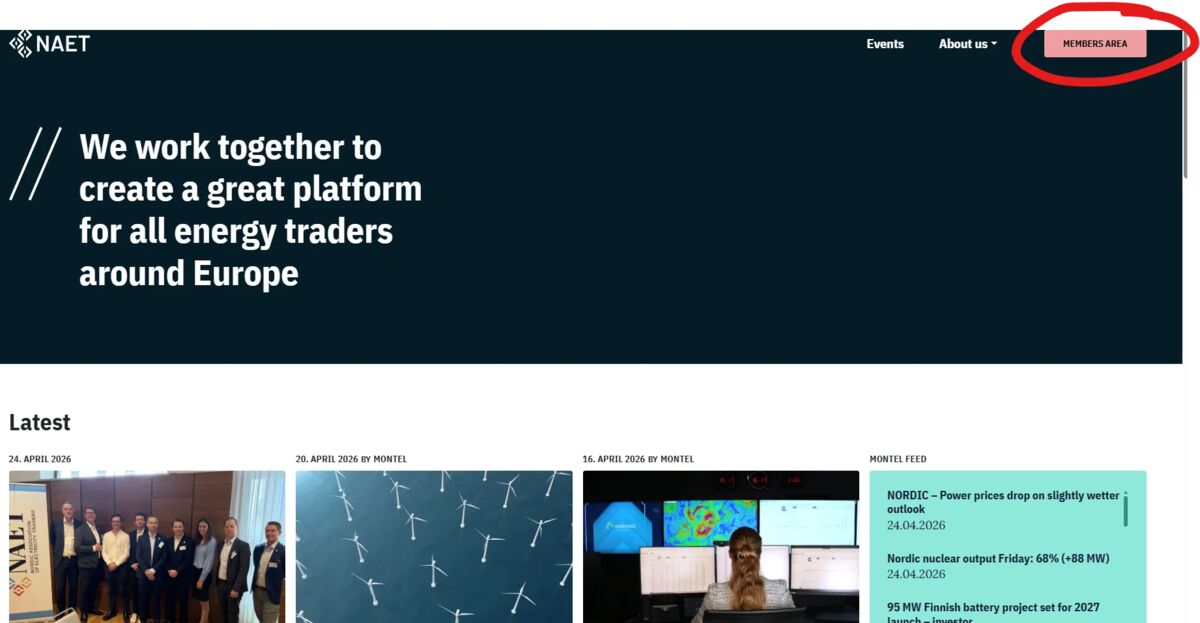
Step 1 is login to the organization admin area:
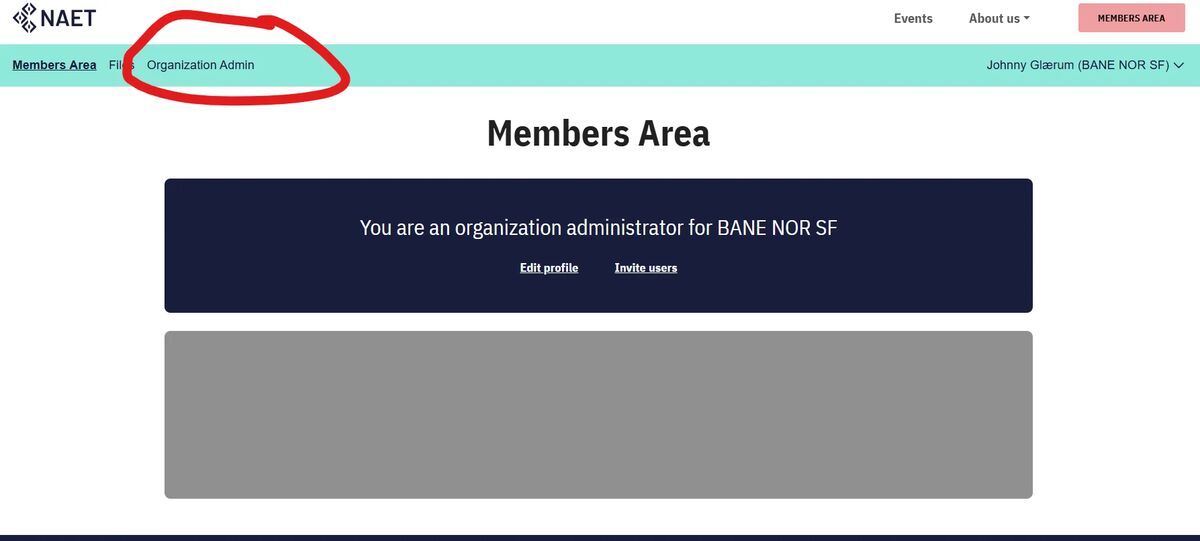
Step 2, navigate to "organizaton admin" and select "edit profile". Admin role for your company is needed to do changes.
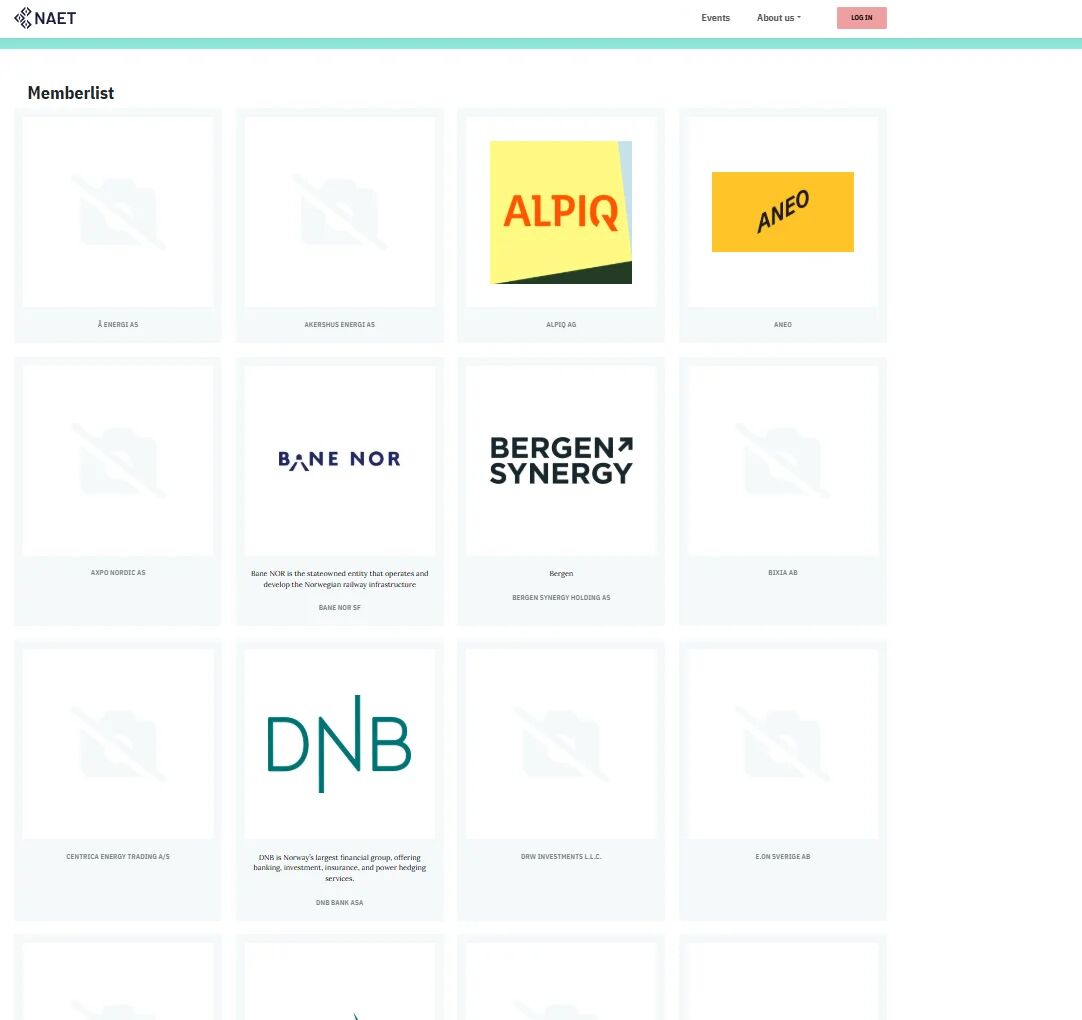
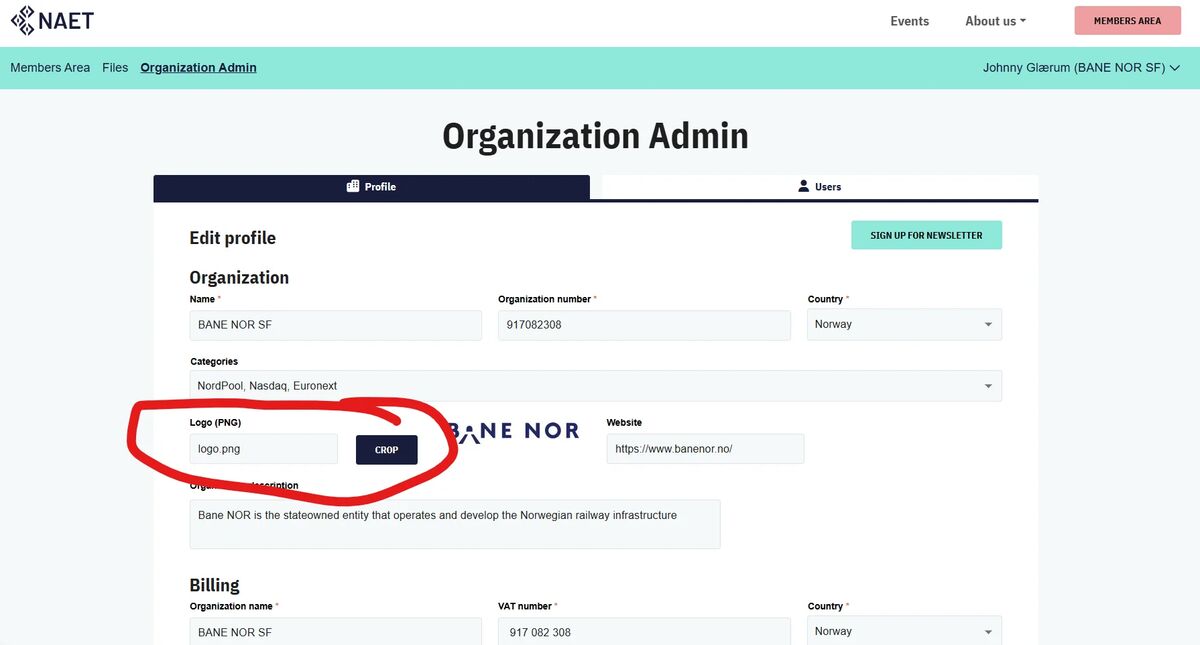
We also want to have an updated logo library for our members to make the page look better.
You may upload your company logo inside the admin view as well